

Why a Thoughtful Toolbox Matters
Every day I stare at a cluttered desktop and a jumble of gadgets, wondering why I’m never truly productive. The truth is, a toolbox isn’t just a collection of items—it’s a curated system that reflects our habits, goals, and values. When each tool earns its place, the noise fades and clarity emerges, allowing us to channel energy into the work that matters most. Intentionality in selection becomes the silent catalyst for achievement.
Balancing Analog and Digital
In my early career I relied on a battered notebook, sticky notes, and a mechanical pencil; today my workflow is peppered with cloud‑based apps and smart devices. I’ve learned that the most effective setups blend tactile and virtual, giving us the best of both worlds. A physical sketchpad invites unfiltered brainstorming, while a digital calendar keeps commitments visible across time zones. The key is to let each medium support the other rather than compete for attention.
Core Digital Tools for Focus
When I audit my software, I look for three qualities: simplicity, reliability, and the ability to work offline when needed. That’s why I gravitate toward offline‑first apps that sync seamlessly once I reconnect. A lightweight note‑taking app, a distraction‑blocking browser extension, and a minimalist task manager form the backbone of my digital arsenal. By limiting myself to tools that honor my focus, I sidestep the endless temptation of feature overload.
AI‑Powered Assistants: Friend or Foe?
Artificial intelligence has slipped into the toolbox like a quiet partner, offering suggestions before I even finish a sentence. While a chat‑based assistant can draft emails in seconds, I remain wary of letting it dictate the direction of my work. The sweet spot lies in using AI as a co‑pilot—enhancing speed without surrendering creativity. I read about the evolution of coding companions in AI‑powered IDE co‑pilot articles, and I apply the same principle: let the tool amplify my expertise, not replace it.
Hardware Essentials for the Modern Maker
Physical tools still hold a vital place in my routine, especially when I’m tinkering with prototypes or repairing household items. A high‑capacity power bank, a versatile multi‑bit screwdriver, and a compact Bluetooth scanner keep me ready for any on‑the‑fly challenge. I also keep a portable external SSD for quick backups, ensuring that my digital creations have a safe haven. When every piece of hardware has a purpose, the workspace feels intentional rather than chaotic.
Curating a Minimalist App Suite
Instead of amassing dozens of niche utilities, I aim for a lean suite that covers broad functions. Below is a quick snapshot of my current lineup:
- Task Capture: A minimalist inbox app that lives on my phone and syncs with my laptop.
- Time Blocking: A calendar that visually segments the day into focus blocks.
- Reading Hub: An RSS reader that aggregates articles without the distraction of endless scrolling.
- Automation: Simple scripts that move files, rename photos, and trigger backups.
This approach reduces decision fatigue and keeps my mental bandwidth reserved for creative work.
Maintaining Tool Hygiene
Just as we clean our desks, our toolbox needs regular maintenance. I schedule a quarterly “tool audit” where I delete unused apps, update firmware on devices, and declutter folders. Uninstalling forgotten software frees up storage and improves system performance, while calibrating hardware ensures longevity. By treating the toolbox like a living organism, I keep it responsive and ready for the next project.
Iterating Your Toolbox Over Time
What works today may feel restrictive tomorrow, so flexibility is paramount. I treat each tool as a trial, giving it a month of focused use before deciding to keep, replace, or retire it. Feedback loops—notes on what felt smooth versus what caused friction—guide these decisions. This iterative mindset mirrors agile development, turning my personal workflow into a continuously improving product.
Community‑Driven Tool Sharing
One of the most rewarding aspects of building a toolbox is sharing discoveries with peers. I host a monthly virtual roundtable where teammates showcase a favorite app or gadget, sparking collective growth. Community‑sourced recommendations often surface hidden gems that I would never have found on my own. By fostering an open exchange, the toolbox becomes a shared asset rather than a solitary stash.
Putting It All Together: A Sample Day
My day begins with a quick review of the task inbox on my phone, followed by a 30‑minute focus block marked in my calendar. I jot initial ideas on a paper notepad, then switch to a digital sketch app to refine them. Mid‑morning, an AI‑assisted email draft saves me time, while a brief walk lets me reset. In the afternoon, I dive into a hardware prototype, using my multi‑bit screwdriver and portable SSD for data capture. By night, I run a tool audit checklist, ensuring everything is backed up and ready for tomorrow. This rhythm showcases how a deliberately assembled toolbox can transform scattered effort into a harmonious workflow.

Karen Edwards is a seasoned freelance writer with a passion for all things furry, feathered, and scaled. With a dedicated focus on pets, she brings a wealth of knowledge and a keen eye for detail to her writing.
Related Posts
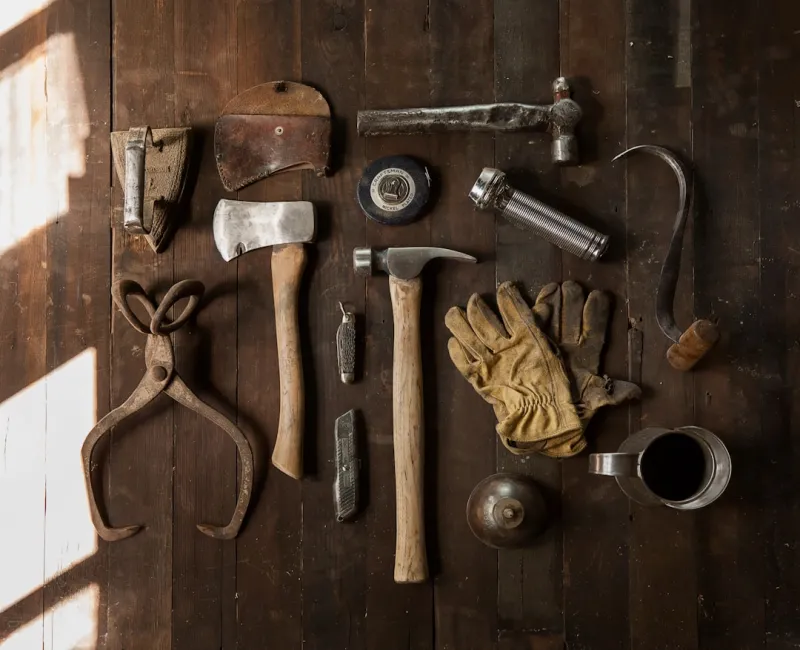
The Next‑Gen Toolbox: Sustainable Tools That Empower Makers
Explore the rise of sustainable gadgets and eco‑smart digital tools, and get actionable steps to c... Read More
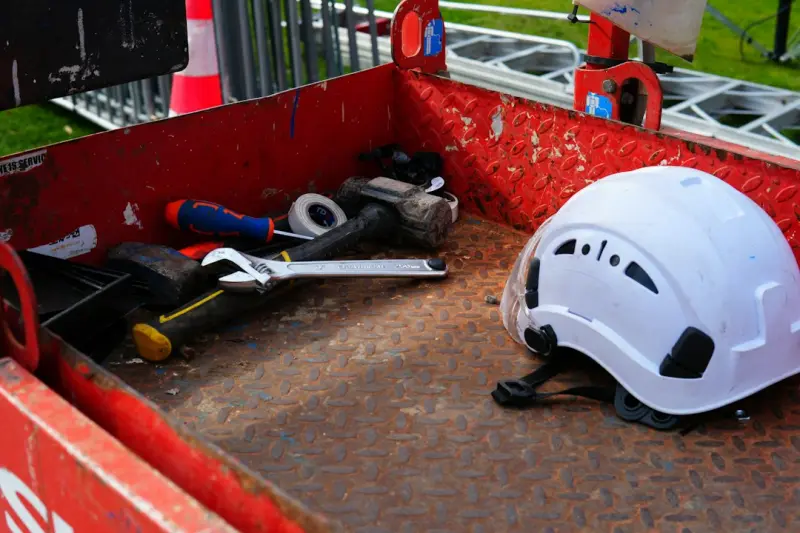
Toolbox 2.0: Harnessing AI‑Powered Low‑Code Platforms to Turbocharge B2B Ops
Low‑code platforms enriched with AI are no longer developer toys; they’re becoming the core engi... Read More

Integrated Observability Platforms: The Underrated Tools Powering SaaS Success
Integrated observability platforms combine metrics, logs, and traces into a single pane of glass, sl... Read More
Top Posts

The Evolution of Sustainability in Education: A New Era for Environmental Stewardship
The evolution of sustainability in education is critical to creating a more just and sustainable world. Learn how educators can integrate sustainability into th...Read More

Smart, Sustainable Home Hacks for the Modern Household
Explore a collection of actionable, budget‑friendly home tips—from micro‑organizing sprints and natural fermented cleaners to data‑driven wellness and a...Read More
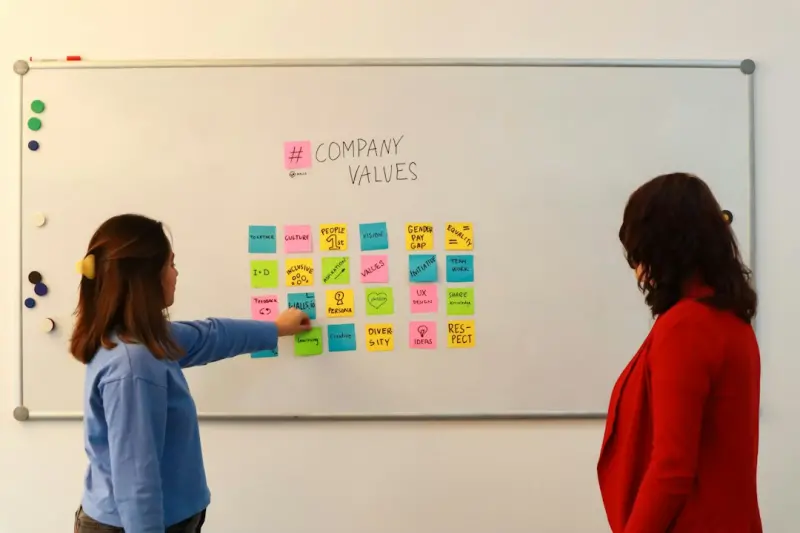
Why Business Leaders Should Rethink Value Creation Through Stakeholder Capitalism
Stakeholder capitalism reshapes the traditional profit‑first model, integrating ESG metrics, employee wellbeing, and community impact to create sustainable, l...Read More
Why Design Ops Is the Missing Link Between Web Design and Business Impact
Design Ops bridges the gap between creative web design and business outcomes, providing a systematic approach that aligns design work with key metrics, streamli...Read More
0 Comments
Post Comment
You will need to Login or Register to comment on this post!