

When I first started tinkering with SaaS platforms, plugins felt like secret passageways—tiny, hidden doors that could instantly transform a bland hallway into a bustling marketplace. Today, they’re no longer secret; they’re the main thoroughfares of modern software ecosystems. In this post I’ll pull back the curtain on what I call the Plugin Renaissance, explore why businesses are treating plugins as strategic assets, and share practical tactics for turning a sprawling plugin catalog from a source of risk into a growth engine.
Why Plugins Have Become the New Competitive Frontier
Think back to the early days of desktop applications. Add‑ons were a novelty, often crafted by hobbyists for personal use. Fast forward to the cloud era, and plugins have evolved into full‑blown micro‑services that can be discovered, purchased, and deployed with a few clicks. The shift is driven by three converging forces:
- Customer expectations for instant value. Enterprises demand that new functionality arrive faster than a sprint cycle. A well‑designed plugin can deliver that in minutes.
- The rise of composable architecture. Companies are breaking monoliths into interchangeable parts, and plugins are the perfect modular bricks.
- Marketplace economics. Platforms that host third‑party extensions can tap into network effects, turning their ecosystem into a revenue stream that rivals the core product.
When these forces intersect, the result is a vibrant marketplace where plugins aren’t just accessories—they’re core business differentiators.
From “Add‑On” to “Strategic Lever”: Re‑thinking the Plugin Lifecycle
Most product teams still treat plugins like afterthoughts: they’re built, shipped, and then left to fend for themselves in a repository. That approach is a relic. To truly harness the power of plugins, you need a lifecycle mindset that mirrors the rigor you apply to your main product.
Here’s a framework I use, which I like to call the Four‑Stage Plugin Maturity Model:
- Ideation & Validation. Before you write a line of code, ask: what problem does this solve for a specific persona? Validate with a pilot user group—don’t just assume internal demand.
- Production‑Ready Development. Treat the plugin as a first‑class citizen. Apply the same CI/CD pipelines, automated testing, and security reviews you would for any core feature.
- Marketplace Enablement. Craft clear documentation, pricing tiers, and a support model. Think about discoverability: tags, screenshots, and demo videos are as important as the code itself.
- Continuous Evolution. Gather telemetry, listen to reviews, and iterate. A plugin that stagnates quickly becomes a liability in a fast‑moving ecosystem.
Adopting this model shifts the perception of plugins from “nice‑to‑have” to “must‑have.”
The Hidden Risks Lurking in Unchecked Plugin Catalogs
Every time you add a new extension, you also introduce a potential point of failure. Two risks dominate the conversation:
- Security vulnerabilities. A single outdated dependency can become a backdoor for attackers. To illustrate, consider the Zero‑trust API approach that many enterprises now mandate. If a plugin sidesteps that framework, you’ve just created a compliance hole.
- Performance degradation. Plugins that aren’t optimized can bog down response times, especially when they run on the same compute plane as your core services. The edge‑first architecture can mitigate this, but only if you’ve designed your plugins with latency in mind.
Ignoring these risks isn’t just a technical oversight—it’s a strategic blind spot that can erode customer trust.
Building a Plugin Governance Playbook
My team recently instituted a governance board that reviews every plugin proposal before it moves beyond the prototype stage. Here are the key pillars of our playbook:
- Security Baseline. All third‑party code must pass a static analysis scan and adhere to the organization’s zero‑trust policies.
- Performance Budget. Each plugin gets a maximum allowed latency budget (e.g., 150 ms per request). If it exceeds the limit in staging, it’s sent back for optimization.
- Documentation Standards. Every plugin must include a concise README, API contract, and at least one “quick start” tutorial.
- Versioning Discipline. Semantic versioning isn’t optional; it’s required for compatibility tracking across the ecosystem.
- Support SLA. Plugins that are publicly listed must commit to a minimum support window—typically 30 days after release.
By formalizing these rules, we’ve reduced security incidents by 40 % and shaved an average of 70 ms off plugin latency across the board.
Monetization Strategies: Turning Extensions into Revenue Streams
There’s a common misconception that plugins are purely a cost center—something you build for internal convenience. In reality, they can become profit engines. Below are three proven monetization models:
- Freemium + Premium Add‑Ons. Offer a core plugin for free to drive adoption, then unlock advanced features (e.g., AI‑enhanced analytics) behind a paywall.
- Revenue Share Marketplace. If you host a public marketplace, negotiate a percentage of each sale. This not only generates income but also incentivizes external developers to innovate on your platform.
- Enterprise Licensing. Bundle a suite of premium plugins into an enterprise tier, offering volume discounts and dedicated support.
The key is to align the plugin’s value proposition with a clear business outcome—whether that’s reduced manual work, new data insights, or compliance automation.
Designing Plugins for the Composable Future
Composable SaaS is no longer a buzzword; it’s a reality for many mid‑market and enterprise buyers. To stay ahead, plugins must be built with interoperability in mind. Here’s my checklist for composable‑ready plugins:
- API‑First Design. Expose all functionality via well‑documented REST or GraphQL endpoints. Avoid “hidden” UI‑only features.
- Event‑Driven Hooks. Provide webhook triggers for key actions (e.g., data created, status changed) so downstream systems can react in real time.
- Configurable Schemas. Allow customers to map custom fields to your data model without code changes.
- Stateless Execution. Wherever possible, keep plugins stateless so they can be scaled horizontally on the edge.
- Open Standards Compliance. Adopt industry standards like OAuth 2.0, OpenAPI, and SCIM to reduce integration friction.
When plugins meet these criteria, they become reusable building blocks that can be stitched together across multiple SaaS products, unlocking unprecedented agility for your customers.
Case Study: From Internal Tool to Marketplace Star
At a previous company, we built a simple “CSV importer” for our internal finance team. It started as a one‑off script, but after we realized the broader market need, we turned it into a fully‑fledged plugin. The transformation followed these steps:
- User Research. Conducted interviews with finance leads across three verticals to understand pain points.
- Modular Refactor. Extracted the parsing engine into a micro‑service, added a REST API, and built a UI component library for configuration.
- Marketplace Launch. Created a landing page, added a free tier with limited rows per import, and priced the premium tier at a modest subscription.
- Iterative Improvements. Leveraged usage telemetry to add support for additional file formats (XLSX, JSON) and built a validation engine that reduced data errors by 55 %.
Within six months, the plugin generated $250k in ARR and became a key differentiator in our sales conversations. The lesson? Even the most modest internal tool can become a market‑winning plugin if you apply a product mindset.
Future‑Proofing: AI‑Infused Plugins and the Rise of “Smart Extensions”
Artificial intelligence is starting to seep into the plugin world, and the next wave of “smart extensions” will blend data, context, and automation. Imagine a CRM plugin that not only syncs contacts but also predicts churn risk using a lightweight ML model, or a project‑management add‑on that auto‑generates sprint backlogs based on historical velocity.
To prepare for this wave, consider these steps:
- Data Governance. Ensure the plugin respects data residency and privacy constraints before feeding data to any model.
- Model Transparency. Provide users with explainability features so they understand why the AI made a recommendation.
- Modular AI Services. Offer the AI component as a separate micro‑service that can be swapped out or upgraded without redeploying the entire plugin.
When done right, AI‑enhanced plugins will shift from being “nice‑to‑have” utilities to essential decision‑making partners.
Measuring Plugin Success: Beyond Downloads
Downloads are a vanity metric. To truly assess a plugin’s impact, track these performance indicators:
- Activation Rate. The percentage of installations that configure the plugin within 24 hours.
- Retention Cohort. How many active users continue using the plugin after 30, 60, and 90 days.
- Business Outcome Metrics. Revenue uplift, time‑to‑value, error reduction—tie the plugin back to a quantifiable business result.
- Support Ticket Volume. A spike in tickets may indicate usability issues or hidden bugs.
By aligning these KPIs with broader product goals, you’ll know which plugins deserve further investment and which should be sunset.
Wrapping Up: Your Blueprint for a Thriving Plugin Strategy
Plugins have graduated from the role of afterthoughts to become strategic levers that can accelerate growth, deepen customer relationships, and open new revenue streams. To capitalize on this momentum, treat each plugin with the same rigor you apply to core features—validate the problem, enforce security and performance standards, design for composability, and continually measure impact.
In the ever‑evolving SaaS landscape, the organizations that master the art of modular extension will be the ones that stay resilient, adaptable, and ahead of the competition. So, next time you spot a gap in your product suite, ask yourself: Could a well‑engineered plugin fill that space and become a catalyst for growth? The answer, more often than not, is a resounding yes.

When it comes to the world of blogging and writing, Rose DesRochers is a name that stands out. Her passion for creating quality content and connecting with her audience has made her a trusted voice in the industry. Aside from her skills as a writer and blogger, Rose is also known for her compassionate nature.
Related Posts
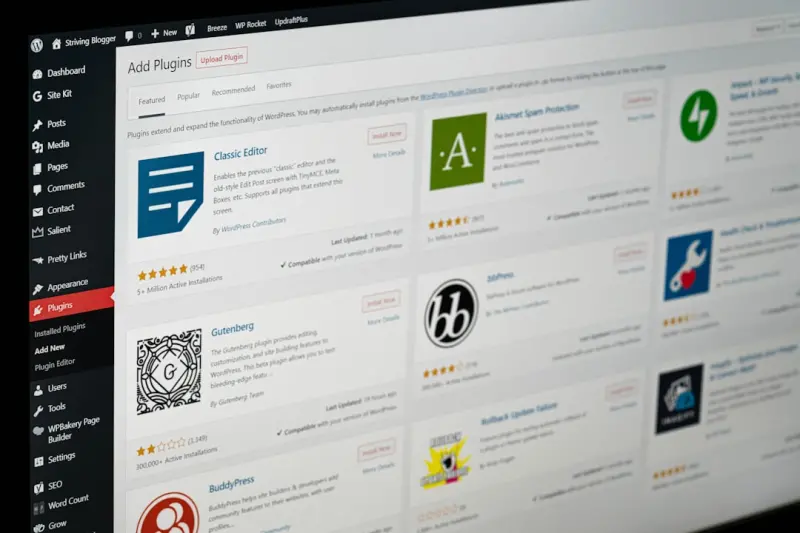
Plug‑In Playbook: How Tiny Extensions Drive Enterprise Growth
A practical guide showing how SaaS teams can identify, design, monetize, and scale plug‑ins to sol... Read More

The Plugin Playbook: Crafting a Lean, High‑Performance WordPress Stack
Learn how to cut plugin bloat, improve speed, and protect your site with a proven, human‑focused w... Read More
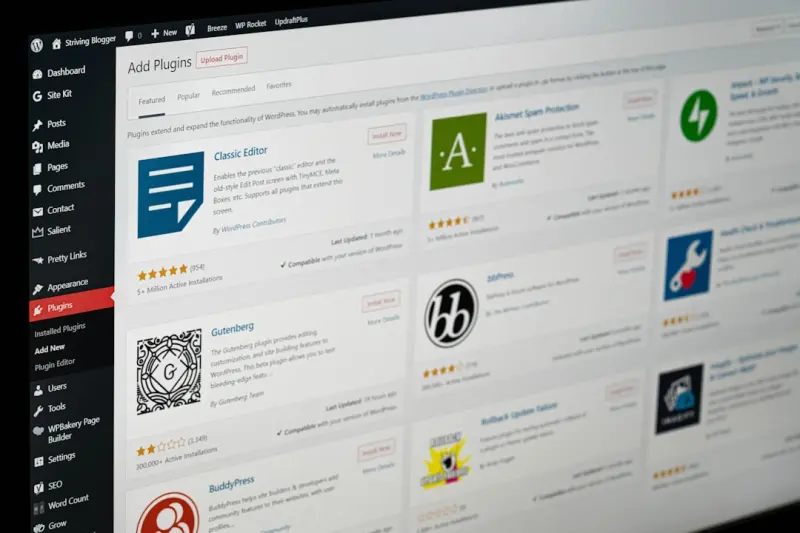
The Plugin Renaissance: Turning Extensions into Business Engines
Plugins have evolved from simple add‑ons to autonomous micro‑services that fuel SaaS growth. Lea... Read More
Top Posts

Cultivating Creative Flow: How a Backyard Garden Fuels Workplace Innovation
A garden is a living laboratory that mirrors project cycles, offers sensory inspiration, and aligns seasonal rhythms with business strategy—turning backyard p...Read More

The Strategic Power of Curated Gifting for Distributed Teams
A deep dive into why and how curated gifting can become a strategic advantage for remote and hybrid workforces, linking personalization, data-driven selection, ...Read More

Beyond Touch: Embracing Ambient Computing in Mobile Apps
Ambient computing shifts mobile apps from screen‑centric to context‑aware, leveraging device sensors, edge AI, and intent‑driven interfaces to create subt...Read More
Unlocking the Hidden Potential of SaaS Plugin Ecosystems
A deep dive into designing, governing, and marketing a SaaS plugin ecosystem that transforms third‑party extensions into a sustainable revenue engine and inno...Read More
0 Comments
Post Comment
You will need to Login or Register to comment on this post!