

The Sensory Edge: Why SaaS Brands Must Move Beyond Visuals
When I first stepped into the world of SaaS branding, the conversation was almost entirely visual—logo colors, typography, UI design systems. Those are undeniably important, but I quickly realized that a brand’s “feel” is far richer than a pixel grid. In today’s hyper‑connected environment, users experience a product through a constellation of senses: they hear the tone of a notification, they feel the subtle resistance of a button, they even sense trust through the rhythm of a loading animation. This multi‑sensory tapestry is what I call the sensory edge, and it’s the missing link between a functional tool and a memorable brand.
Why Sensory Branding Matters for SaaS
Most SaaS companies focus on solving a problem, then slap a logo on the solution. That approach works for utility, but it falls short when you need differentiation in a crowded market. Sensory branding does three things that pure visual branding cannot:
- Creates emotional resonance. A well‑crafted sound cue can trigger anticipation or relief, turning a mundane task into a moment of delight.
- Reinforces brand recall. Think of the distinctive “ding” when a Google Calendar reminder pops up. That auditory signature becomes a subconscious brand ambassador.
- Elevates perceived value. Tactile feedback—like the subtle haptic vibration on a mobile app when a user completes a workflow—signals that the product cares about the user’s experience, subtly positioning the brand as premium.
In the same way that luxury cars use the sound of the engine and the feel of the steering wheel to convey quality, SaaS brands can leverage sound, motion, and even scent (through physical onboarding kits) to build a richer identity.
Breaking Down the Senses for SaaS Brands
1. Sound: The Voice of Your Platform
Sound is the most underutilized branding tool in the SaaS space. Yet, it offers a powerful way to convey personality. An audio‑first approach isn’t just for social platforms; it can be embedded in your product’s micro‑interactions.
Consider these practical implementations:
- Notification tones. Instead of the default “ding,” design a tone that reflects your brand’s cadence—perhaps a calm chime for a wellness‑focused tool or a brisk click for a productivity suite.
- Onboarding voice‑overs. A brief, friendly voice guiding new users through the first steps can humanize an otherwise abstract interface.
- Success sounds. A soft, ascending melody when a report finishes rendering reinforces a sense of achievement.
Crucially, these sounds must be consistent across platforms—desktop, mobile, and web—to maintain brand cohesion.
2. Motion: The Rhythm of Interaction
Motion design is more than just flashy transitions; it’s the choreography of user flow. Subtle animations can signal hierarchy, guide attention, and convey confidence.
Best practices include:
- Micro‑animations for feedback. A button that gently depresses on click confirms the action without requiring a visual confirmation.
- Loading sequences. A well‑designed progress indicator can turn a waiting period into an engaging experience rather than a source of frustration.
- Delightful easter eggs. A hidden animation that appears after a user completes a milestone can become a shareable moment, reinforcing brand love.
When motion aligns with your brand’s personality—whether that’s sleek minimalism or playful bounce—it becomes a silent storyteller.
3. Touch: Haptic Feedback in Digital Products
Haptic feedback is often overlooked because it’s hardware‑dependent, but on mobile and even some desktop devices, it offers a tactile dimension that can deepen engagement.
Examples:
- Vibration on error. A brief, gentle buzz when a user attempts an invalid action tells them instantly that something’s amiss.
- Positive reinforcement. A subtle pulse after a successful data entry can evoke satisfaction, akin to the click of a mechanical keyboard.
- Contextual haptics. Different vibration patterns for different notification types (e.g., a long pulse for a critical alert) create a tactile hierarchy.
Even if your primary audience accesses the product on a non‑haptic device, designing for touch ensures the experience translates seamlessly when the hardware supports it.
4. Smell and Taste: The Physical Extensions of Digital Brands
While you can’t embed scent directly into software, you can extend your brand into the physical world—think welcome kits, printed guides, or even branded coffee beans for remote teams. A consistent olfactory cue (like a signature candle scent) paired with a digital product can form a strong memory association.
These physical touchpoints are especially potent for enterprise SaaS where onboarding often involves face‑to‑face meetings or shipped hardware. A thoughtfully chosen scent or a well‑designed tactile welcome box can reinforce the brand narrative you’re building online.
Integrating Sensory Branding into Your Brand Architecture
To avoid a fragmented experience, treat each sense as a pillar within your brand architecture. Here’s a step‑by‑step framework:
- Define your sensory personality. Is your brand calm and supportive (soft tones, slow motion) or energetic and bold (sharp clicks, rapid animations)?
- Audit existing touchpoints. Catalog every interaction—login screens, email notifications, mobile push alerts—and note the sensory elements already present.
- Establish guidelines. Create a sensory style guide that outlines tone frequencies, animation timing, haptic intensity, and even scent recommendations for physical kits.
- Prototype and test. Use A/B testing not just on visual elements but on audio and motion. Measure engagement, satisfaction scores, and brand recall.
- Iterate based on data. Just as you would with a data‑driven playbook, feed sensory performance metrics back into your roadmap.
By codifying sensory elements, you ensure that every team—product, marketing, support—delivers a unified brand experience.
Case Studies: Sensory Branding in Action
Case 1: A Project Management SaaS That “Sounds” Productive
A mid‑size project management tool wanted to differentiate itself from the sea of grayscale dashboards. They introduced three custom sound cues:
- A crisp “whoosh” when a task moved to “Done.”
- A warm, resonant chord for milestone completions.
- A subtle alert tone for overdue tasks, calibrated to be noticeable but not jarring.
Post‑launch surveys showed a 12% increase in perceived productivity and a 7% rise in daily active users, attributing the boost to the “satisfying feedback” of the sound cues.
Case 2: A Financial Analytics Platform Leveraging Motion
Security‑focused financial software introduced a progressive loading animation that visualized data encryption in real time. Users could see a “shield” icon slowly fill, reinforcing the platform’s security promise. The animation was paired with a faint haptic pulse on mobile devices.
The result? Customer churn decreased by 4% over six months, and the Net Promoter Score (NPS) rose by 5 points, with many users citing the “transparent security flow” as a differentiator.
Case 3: A Remote‑Work Collaboration Tool Using Physical Onboarding Kits
To welcome new enterprise clients, the company mailed a “brand immersion box” containing a branded notebook, a scented candle (fresh pine, echoing their “clear‑thinking” brand), and a QR code linking to an exclusive video walkthrough. The tactile and olfactory elements created an immediate emotional connection before the software was even launched.
Within the first quarter, the average onboarding time dropped from 14 days to 9 days, and the client satisfaction score for the onboarding phase increased by 18%.
Measuring the ROI of Sensory Branding
It’s easy to think of sensory enhancements as “nice‑to‑have.” However, they can be quantified in the same way you track UI conversion rates:
- Engagement metrics. Track the frequency of interaction with sound‑enabled features (e.g., click‑through on audio prompts).
- Time‑on‑task. Compare task completion times before and after implementing motion or haptic feedback.
- Brand recall surveys. Ask users to identify the product based solely on a sound cue or animation.
- Churn and NPS. Correlate sensory touchpoints with changes in churn and net promoter scores.
When you apply a data‑centric mindset to sensory experiments, you’ll quickly see how these subtle cues translate into tangible business outcomes.
Practical Steps to Get Started Today
- Audit your sound assets. Do you have default system sounds? Replace them with custom, brand‑aligned tones.
- Review motion libraries. Ensure that your animation easing, duration, and style match the brand personality you want to convey.
- Prototype haptic feedback. Use platform SDKs (iOS, Android) to test simple vibrations on key actions.
- Design a sensory style guide. Document the palette of sounds, motion curves, and haptic patterns for cross‑functional use.
- Run a pilot with a user segment. Choose a low‑risk feature, roll out the sensory enhancements, and collect feedback.
Remember, the goal isn’t to overwhelm users with sensory overload. The magic lies in restraint—using each sense sparingly but purposefully to reinforce the brand’s core promise.
Looking Ahead: The Future of Sensory SaaS Branding
As AR, VR, and spatial computing mature, the boundary between digital and physical sensations will blur. Imagine a virtual workspace where you “feel” a data point through a subtle vibration in your glove, or a conference call where brand‑aligned ambient soundscapes set the tone.
Preparing for this future means embedding sensory thinking now, so when the technology becomes mainstream, your brand is already fluent in the language of sound, motion, touch, and scent.
In short, visual identity is just the tip of the iceberg. Dive deeper, experiment boldly, and let the full spectrum of senses shape a SaaS brand that isn’t just seen, but truly felt.

David Moore is a freelance writer specializing in two dynamic and ever-evolving fields: gambling and the tech industry. With a keen eye for detail and a knack for unraveling complex topics, David delivers insightful and engaging content that keeps readers informed and entertained.
Related Posts

The Sensory Turn: How Multi‑Sensory Storytelling Is Redefining Brand Identity
A deep dive into sensory branding, exploring how sight, sound, scent, taste, and touch can be woven ... Read More

Branding as a Living Experience: From Sensors to Community Co‑Creation
Learn how to evolve branding beyond logos into multi‑sensory experiences, community hubs, and coâ€... Read More
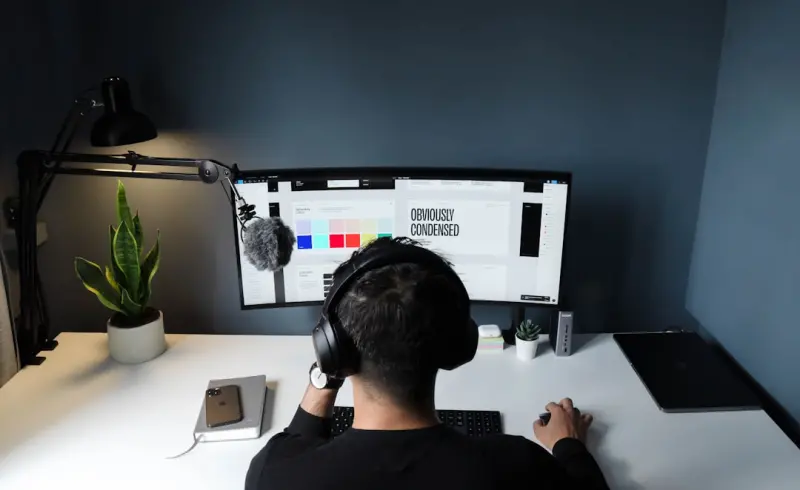
Branding Beyond the Logo: Designing a Signal‑Rich Ecosystem
Brands now win by orchestrating a system of signals across every touchpoint. This post explores how ... Read More
Top Posts

Beyond the Cloud: Why Edge Computing Is the Next Tech Frontier
Edge computing is reshaping tech by delivering instant AI processing at the source. Learn why this shift matters for developers, businesses, and everyday users....Read More
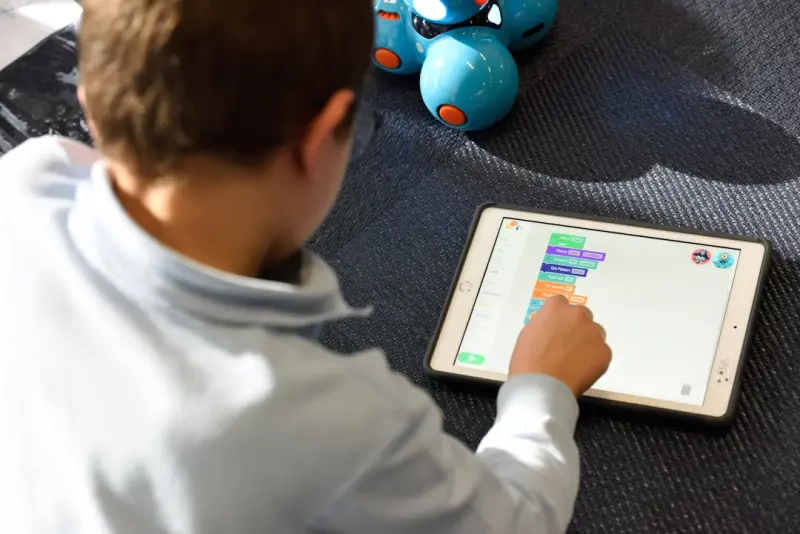
The Quiet Revolution: Adaptive Learning Platforms Redefine Corporate Upskilling
Adaptive learning platforms personalize corporate training by using real‑time diagnostics and micro‑learning, turning upskilling into a habit that drives pe...Read More

Cultivating Eco‑Savvy Kids: A Parent’s Playbook for a Greener Generation
Learn how to turn everyday moments into eco‑learning experiences for kids and teens. From sustainable play to green celebrations, this guide equips parents wi...Read More
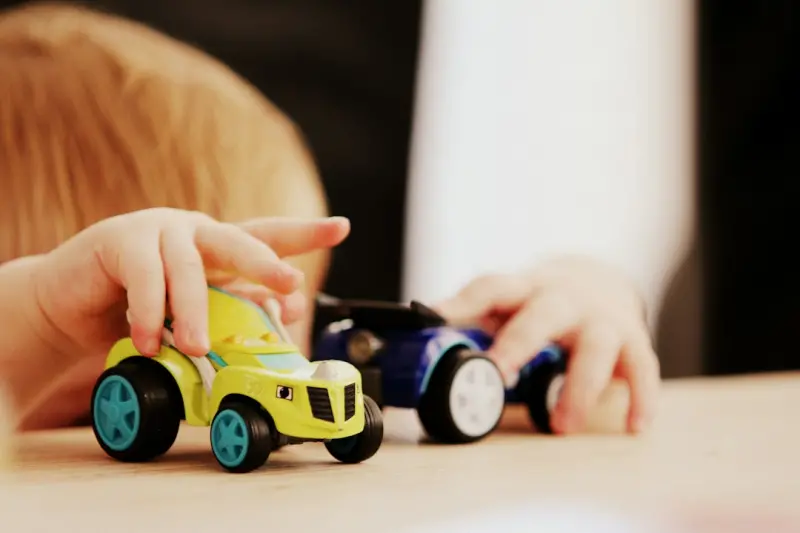
Smart Parenting: How Data‑Driven Toys and Tools Are Shaping Early Childhood
A deep dive into the latest intelligent tools for babies and toddlers—smart sleep monitors, AI‑powered toys, and data‑driven feeding solutions—plus prac...Read More
0 Comments
Post Comment
You will need to Login or Register to comment on this post!