
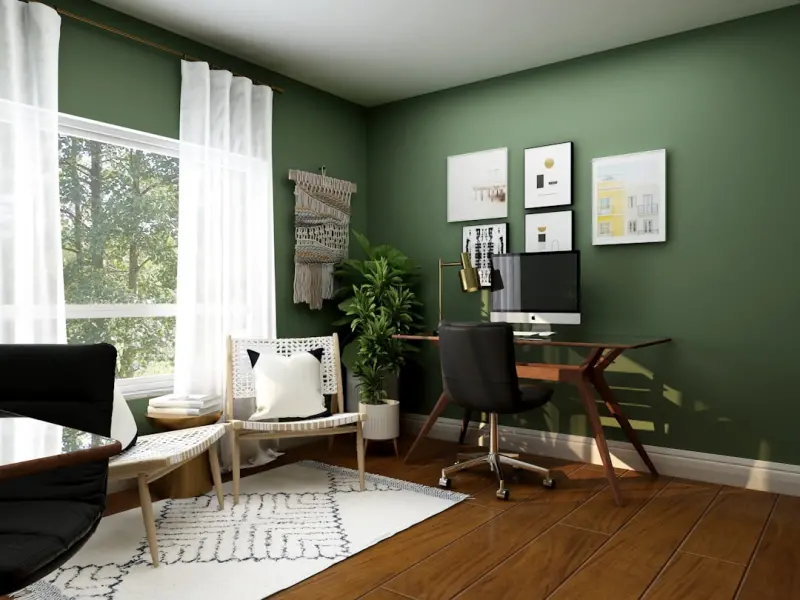
When I first set up my own home office, I approached it like any other project: I found a sleek desk, a comfortable chair, and a backdrop that looked good on Zoom. Months later, after a marathon of back‑to‑back video calls, a stack of ergonomic injuries, and a lingering sense that something was still missing, I realized that an office isn’t just a piece of furniture—it’s a living, breathing environment that should adapt to the way we work, think, and recharge.
Why the Home Office Deserves Its Own Design Philosophy
Remote work is no longer a novelty; it’s a permanent fixture in many businesses. Yet the design playbook for a productive workspace has barely evolved beyond “choose a desk and a lamp.” The truth is, the home office sits at the intersection of three powerful forces: flexibility, well‑being, and technology. Ignoring any one of these dimensions creates a space that feels either too rigid, too sterile, or simply out of sync with how modern work actually flows.
Think about a traditional office layout: rows of cubicles, a single conference room, a break area that feels more like a cafeteria than a sanctuary. Those spaces were built for a predictable 9‑to‑5 rhythm. Today’s knowledge workers, however, toggle between deep‑focus sprints, collaborative brainstorming, and quick, restorative breaks—all within the same day. The home office must be as dynamic as the tasks it houses.
The Core Pillars of Adaptive Home Office Design
After experimenting with dozens of layouts, materials, and lighting setups, I’ve distilled the most effective strategies into three core pillars:
- Modular Flexibility: Furniture and zones that can be reconfigured in minutes.
- Biophilic Integration: Natural elements that support mental clarity and reduce stress.
- Technology‑Centric Ergonomics: Tools that blend seamlessly with the body’s movements and the digital workflow.
Let’s unpack each pillar, and I’ll share specific tactics you can implement right now, no matter the square footage of your home.
1. Modular Flexibility – Build for Change, Not Stagnation
Flexibility isn’t just a buzzword; it’s a design imperative. The best‑selling office chairs and desks on the market are often marketed as “adjustable,” yet they rarely address the need to shift between entirely different work modes. To truly embrace modularity, consider the following:
- Mobile Workstations: Opt for desks on casters with locking mechanisms. This allows you to slide a desk into a bright corner for creative brainstorming, then roll it back to a quiet nook for focused writing.
- Stackable Seating: Instead of a single ergonomic chair, invest in a set of lightweight, stackable stools that can be stored under the desk or used as impromptu seating for quick stand‑up meetings.
- Multi‑Purpose Zones: Designate one wall as a “focus wall” with a blackout panel for video calls, and the opposite wall as a “inspiration wall” where you can hang whiteboards, cork boards, or a living plant display.
- Snap‑Fit Accessories: Use magnetic cable organizers, clip‑on monitor arms, and plug‑in power strips that snap into place without the need for drilling or permanent fixtures.
When I first tried a mobile workstation, the simple act of moving my desk to face a window during the afternoon sun completely transformed my energy levels. The ability to re‑orient my space on the fly gave me a sense of control that static furniture never could.
2. Biophilic Integration – Bring the Outdoors In
Humans have an innate affinity for nature—a concept known as biophilia. Research shows that even a modest dose of greenery can lower blood pressure, improve focus, and boost overall happiness. For a home office, you don’t need a full‑scale indoor garden; strategic touches are enough to make a difference.
- Living Walls: Install a vertical pocket garden on a side wall. Small modular planters can hold herbs, succulents, or air‑purifying pothos, turning an empty surface into a vibrant focal point.
- Natural Light Harvesting: Position your primary work surface near a window, and use sheer curtains to diffuse glare while preserving the soothing quality of daylight. If natural light is scarce, consider a full‑spectrum LED panel that mimics the sun’s rhythm.
- Organic Materials: Swap out glossy, industrial finishes for wood, bamboo, or reclaimed timber. A reclaimed wood desk not only adds warmth but also tells a story—something that a sterile metal table cannot.
- Sound‑Scaping: A small tabletop fountain or a set of wind chimes can provide gentle ambient noise that masks distracting background sounds. This aligns with the principle of engaging the five senses to shape memorable spaces, but focuses specifically on auditory calm.
One of my favorite experiments was adding a row of small terrariums along my monitor edge. Each contained a different plant—air plants, ferns, and a tiny aloe. Not only did they improve air quality, but they also gave me a mini “nature break” every time I glanced away from the screen, a tiny ritual that kept mental fatigue at bay.
3. Technology‑Centred Ergonomics – Let Tech Work for You
Technology is the backbone of remote work, but it can also be the source of physical strain. The goal is to design a tech ecosystem that feels like an extension of your body, not a weight pulling you down.
- Adjustable Monitor Arms: Elevate your monitor to eye level to avoid neck strain. A dual‑arm setup lets you toggle between a primary screen for writing and a secondary screen for reference material without constantly moving your head.
- Keyboard Tray with Negative Tilt: This keeps wrists in a neutral position, reducing the risk of carpal tunnel syndrome.
- Voice‑Activated Controls: Use smart assistants to adjust lighting, temperature, or even start a focus timer. This reduces the need to interrupt your workflow to reach for a switch.
- Wireless Power Solutions: Keep cords out of sight with a wireless charging pad and a Bluetooth mouse. Fewer cables mean less visual clutter, which translates to a cleaner mental workspace.
In the spirit of thinking beyond the office, I explored the concept of developer experience as a competitive edge. The same principle applies: when the tools you use are frictionless, your productivity soars. A smooth tech setup isn’t a luxury; it’s a performance enhancer.
The Sustainability Lens – Making Green Choices Without Compromise
Eco‑conscious design isn’t just for large corporations; it’s equally relevant to a single‑person workspace. By selecting sustainable materials and energy‑efficient devices, you contribute to a greener planet while often saving money in the long run.
- Eco‑Friendly Furniture: Look for pieces certified by FSC (Forest Stewardship Council) or made from reclaimed materials. A desk crafted from reclaimed pallets can be both stylish and low‑impact.
- Energy‑Saving Lighting: LED bulbs consume up to 80% less energy than traditional incandescent bulbs. Pair them with motion sensors so the lights dim or turn off when you step away for a break.
- Low‑VOC Paints: Volatile organic compounds (VOCs) can affect indoor air quality. Choose zero‑VOC or low‑VOC paints to keep the environment healthy.
- Digital Declutter: Reducing the number of devices you run simultaneously cuts down on energy use. Consolidate storage on a single SSD and use cloud backups wisely.
For a deeper dive into how sustainability is reshaping industries, the quiet revolution in green SaaS offers a fascinating parallel—just as software firms are rethinking carbon footprints, we can rethink the footprint of our personal spaces.
Putting It All Together: A Sample Adaptive Office Layout
Below is a step‑by‑step walkthrough of a layout that integrates the three pillars. Feel free to adapt the dimensions to suit your own floor plan.
- Zone A – The Focus Corner: Position a mobile desk near a window. Mount an adjustable monitor arm, a wireless keyboard tray, and a small LED task lamp on a magnetic base. Add a potted snake plant on the desk for a touch of green.
- Zone B – The Collaboration Hub: Install a wall‑mounted whiteboard opposite the desk. Keep a stack of portable stools nearby for standing meetings or quick brainstorming sessions. Hang a cork board for visual inspiration.
- Zone C – The Calm Retreat: Dedicate a corner to a low‑profile lounge chair, a floor lamp with a dimmer, and a mini fountain. This area is ideal for short meditation breaks or reading.
- Zone D – The Tech Nook: Set up a charging station with a wireless pad, a Bluetooth speaker, and a smart plug that powers your lamp and heater on a schedule. Keep a small shelf for devices you use less frequently, out of sight.
The beauty of this layout is its fluidity. On a day when you need deep concentration, slide the desk to face the window, dim the lounge lights, and let the fountain run softly in the background. When a virtual team huddle pops up, roll the desk aside, pull up a stool, and turn the whiteboard to “on.” When fatigue hits, retreat to the calm corner for a five‑minute mindfulness reset.
Measuring Success – How to Know Your Space Is Working
Design isn’t finished once the furniture is in place. Like any good product, it requires iteration based on real‑world feedback. Here are three metrics you can track:
- Productivity Spikes: Use a time‑tracking app to note when you feel most focused. Correlate those periods with your environment—perhaps you’re more productive when the desk faces natural light.
- Physical Comfort Scores: At the end of each day, rate your neck, back, and wrist comfort on a scale of 1‑10. A steady rise indicates ergonomic improvements are paying off.
- Mood and Energy Levels: Keep a brief journal of how you feel throughout the day. Notice if the presence of plants or background soundscapes lifts your mood.
When I first adopted this iterative approach, I discovered that my initial “focus corner” needed a slightly lower monitor height to eliminate neck strain. Small tweaks like that can transform a good space into a great one.
Future‑Proofing Your Home Office
Technology, work habits, and even personal preferences will continue to evolve. Building in adaptability now saves you from costly overhauls later. Here are a few forward‑thinking ideas:
- Smart Furniture: Desks that remember preferred heights or lighting that adjusts based on ambient conditions are becoming more affordable.
- Modular Acoustic Panels: As video conferencing becomes more immersive, you may need to fine‑tune sound absorption. Panels that click together allow you to scale acoustic treatment as needed.
- AR‑Enhanced Layout Planning: Augmented reality apps can visualize furniture placement before you move anything, reducing trial‑and‑error.
By staying attuned to emerging tools, you’ll keep your workspace feeling fresh and supportive, no matter what the next wave of remote work looks like.
Conclusion – Your Space, Your Workflow, Your Well‑Being
The home office is no longer a “nice‑to‑have” afterthought; it’s a strategic asset that can amplify creativity, protect health, and foster a sustainable mindset. By embracing modular flexibility, weaving in biophilic elements, and aligning technology with ergonomics, you’ll create a space that responds to you—not the other way around.
Take a moment this week to assess one of the pillars—perhaps you’ll start by adding a single plant, or swapping out a static desk for a mobile one. Small, intentional changes compound into a workspace that feels alive, supportive, and ready for whatever the day throws at you.

Amanda is a passionate writer exploring a kaleidoscope of topics from lifestyle to travel and everything in between.
Related Posts
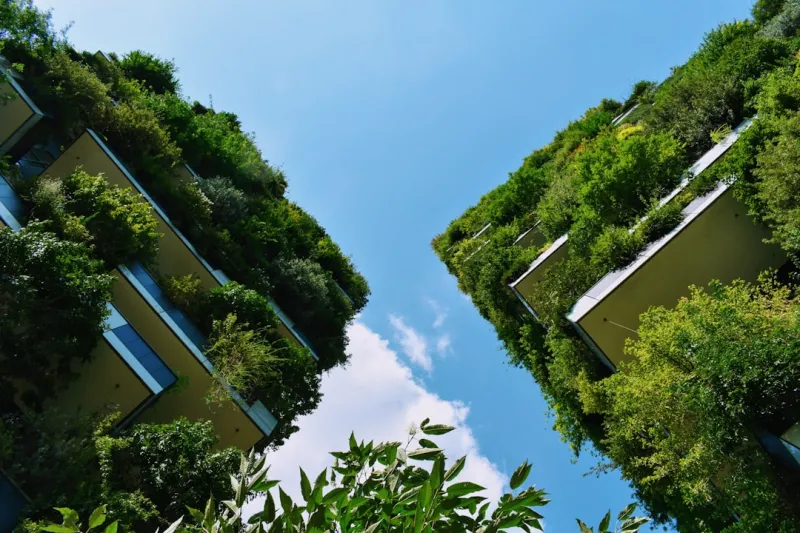
Designing a Sustainable Home: Fresh Trends that Blend Style and Eco‑Consciousness
Discover how to blend chic interiors with eco‑friendly choices—from reclaimed wood and smart lig... Read More

Silence by Design: Crafting Acoustic Wellness in Modern Interiors
A deep dive into acoustic wellness reveals how thoughtful sound management—through materials, tech... Read More
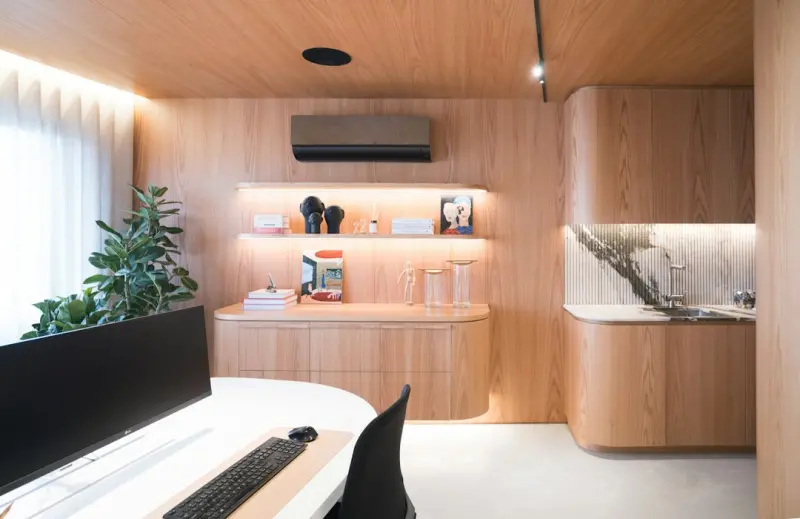
Designing a Flow‑Inducing Home Office: Biophilia, Sound, and Flexibility
Learn to turn your home office into a cognitive‑flow sanctuary by blending biophilic elements, aco... Read More
Top Posts
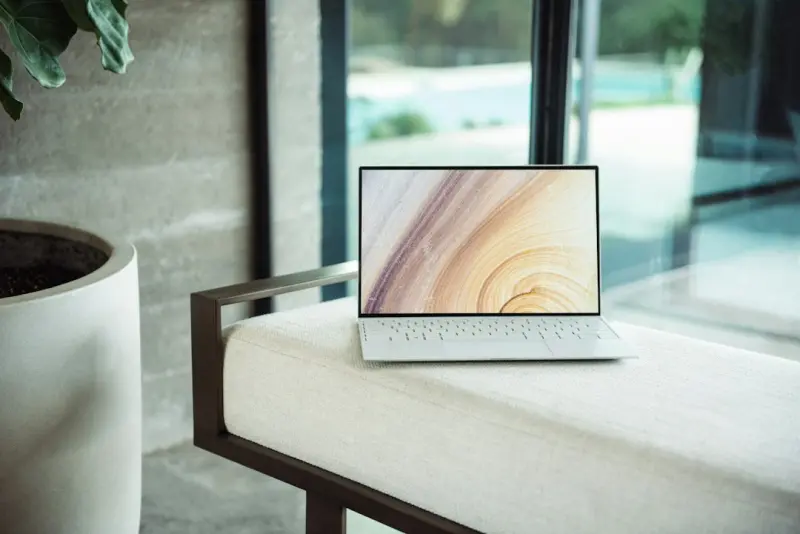
Why Your Next Laptop Should Be a Portable AI Hub
Explore the emerging trend of AI‑first laptops, modular hardware, and eco‑friendly design, and learn practical tips for choosing a device that acts as a per...Read More

Designing a Living Safety Net for Kids: Community, Tech, and Mindful Parenting
A fresh take on child safety: learn how community hubs, smart wearables, and mindful parenting combine to create a dynamic, living safety net for children....Read More

Smart Appliances Transform Modern Workspaces
Smart appliances are evolving from simple utilities to data‑rich, networked assets that enhance productivity, cut costs, and support sustainability in modern ...Read More

The Unseen Levers Driving Mobile App Adoption in Enterprise SaaS
A deep dive into the quiet, often overlooked tactics that make mobile apps essential for B2B SaaS, covering context‑aware features, seamless permission flows,...Read More
0 Comments
Post Comment
You will need to Login or Register to comment on this post!